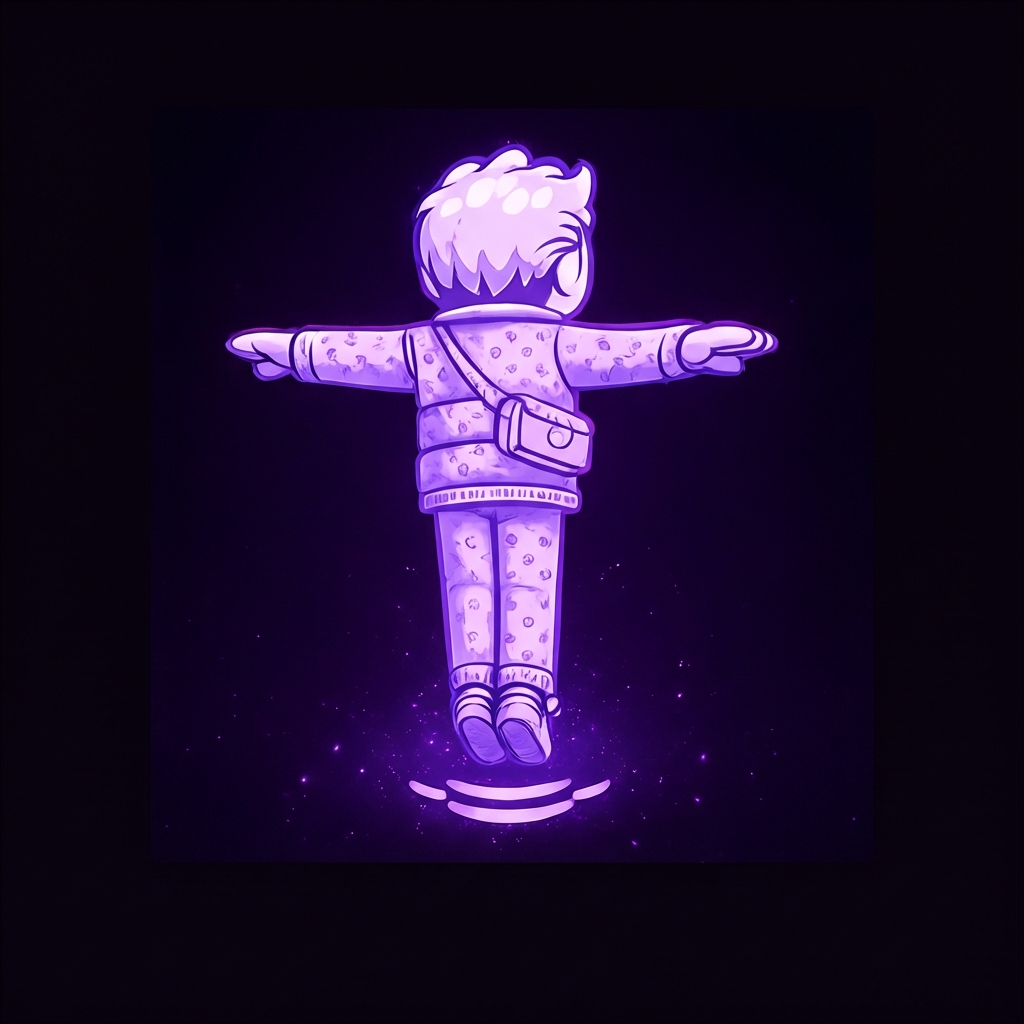
Explore a preview.
Start with a clothing image or supported product link. Use the generated result as a styling reference, then check sizing and retailer details before buying.
Your style, explored
Explore AI-generated outfit previews, build your digital closet, and keep the looks that inspire you.
Free download with in-app purchases.
Generated previews are styling references, not fit guarantees.
Start with a clothing image or supported product link. Use the generated result as a styling reference, then check sizing and retailer details before buying.
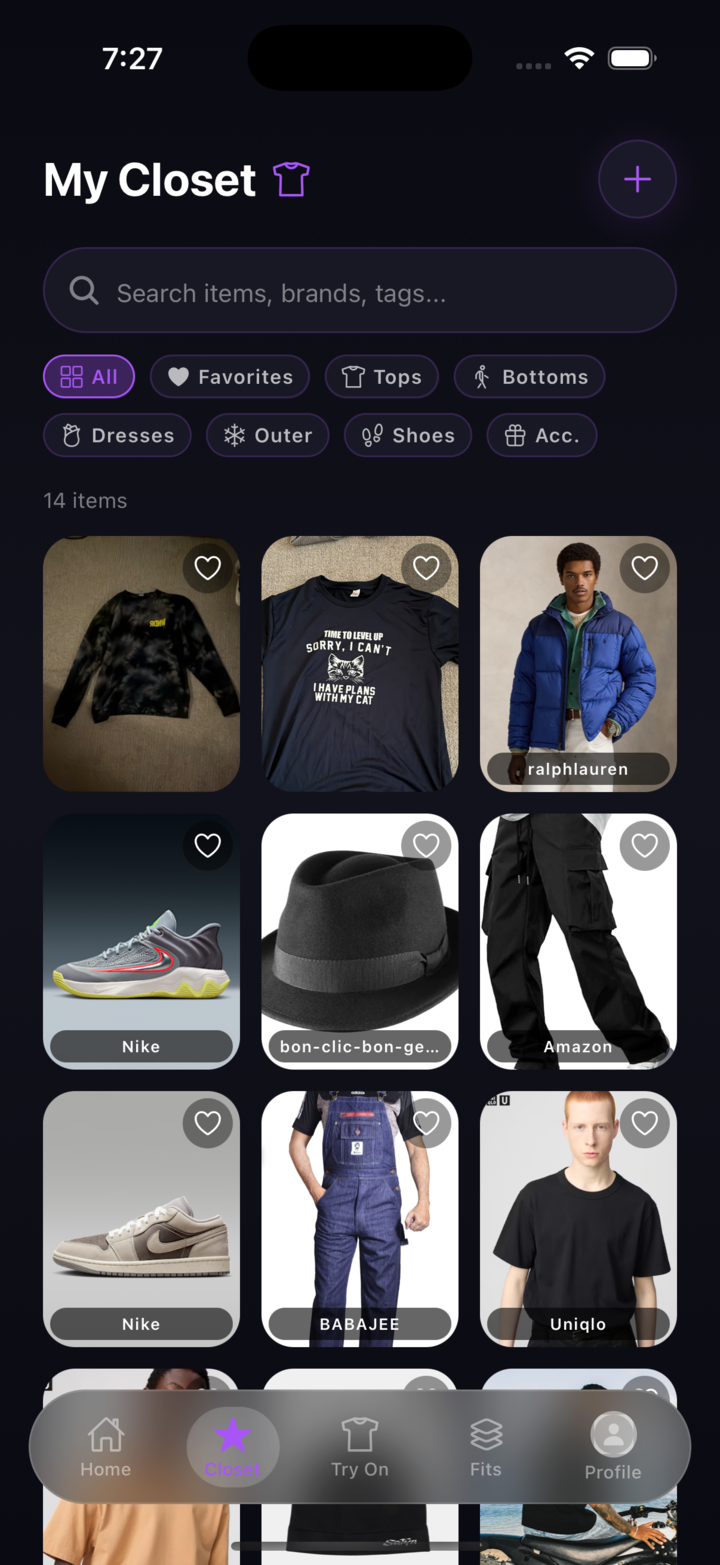
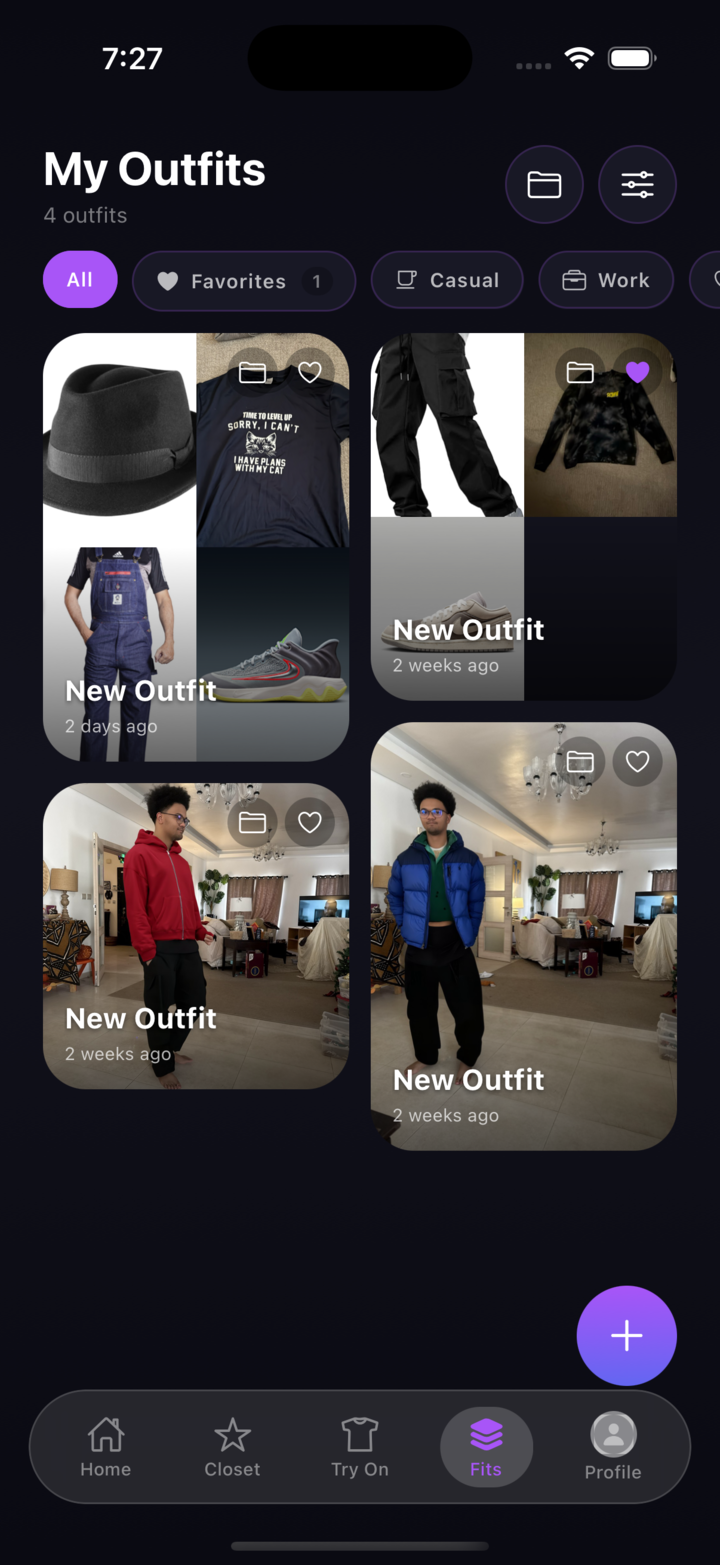
Organize clothing in your digital closet. Combine pieces into saved outfits and revisit the ideas you want to explore.
Browse shared looks, follow people whose style interests you, and share your own. Community content and activity vary.
Start with one piece
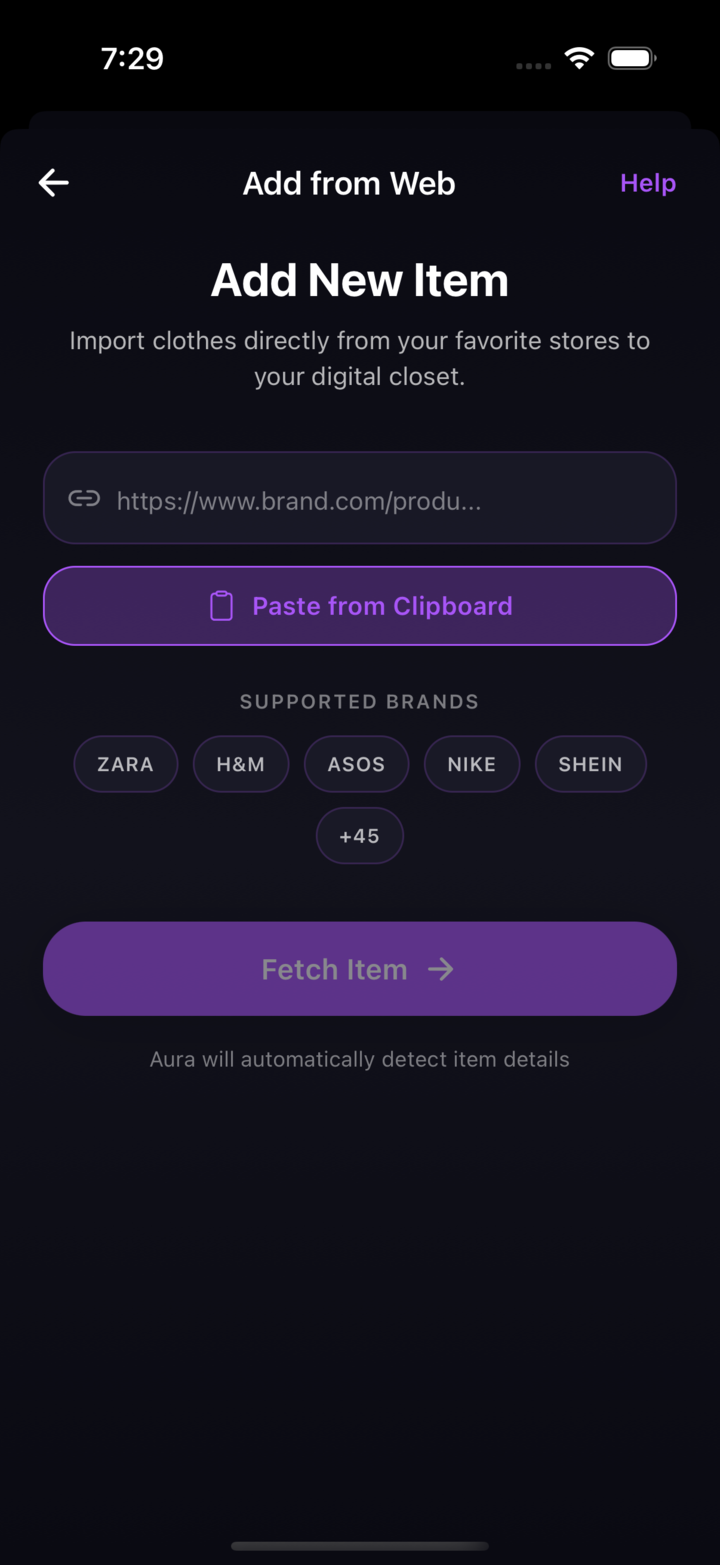
Bring the item you have in mind. Try a supported product link, a clothing screenshot, or a photo you have permission to use.
Link support, processing time and results vary. Follow the current photo and generation instructions in your installed app.
Prepare your first previewFollow the app’s reference-photo setup, then add a clothing image or supported product link. Review the options and purchase requirements before generating. Results and generation time vary; an AI preview cannot guarantee fit.
Product-link support varies by retailer and page. If a link cannot be imported, try a clothing screenshot or photo. No retailer-wide or universal link coverage is guaranteed.
Follow the current instructions in the app for reference and face photos. Use clear images in good lighting; setup requirements can differ between app versions.
Reference and clothing images are processed to generate previews. Review the Privacy Policy for data handling and deletion information, and check sharing options before publishing content.
Aura is free to download, with in-app purchases. Free download does not mean free or unlimited generation. Review the app’s current subscription, credit, allowance, and price details before confirming a purchase; offers may vary by platform and region.
Yes — Aura is available on both the App Store and Google Play.
Make room for your style
Explore Aura on iPhone and Android.
Free download with in-app purchases.
Review current generation requirements and offers in the app.